WaSender API Alternative: A Compatible WhatsApp API You Can Switch to in Minutes
Looking for a WaSender alternative? An honest comparison with WAservix: pricing checked on both sites, API compatibility, what changes when you switch, account protection, payments, and when staying makes sense.
On this page
WaSender API is a popular way to send WhatsApp messages from your own number through a simple REST API, without going through Meta's official Business API. If you're already using it and looking for a WaSender alternative, whether for price, features or support, the good news is that switching doesn't have to mean rewriting your integration. This guide compares WaSender with WAservix honestly, including where staying put makes sense.
Two services, the same approach#
Both WaSender and WAservix link your existing WhatsApp number as a companion device, the way WhatsApp Web does, and expose it through an API. Neither is Meta's official WhatsApp Business Platform. That means no Meta approval process and no per-message fees from Meta, and it also means you're responsible for following WhatsApp's rules, since numbers that send unwanted messages can be banned on either service.
Pricing, checked on both sites#
On 30 September 2026, the two services listed these monthly prices:
| Numbers | WaSender | WAservix |
|---|---|---|
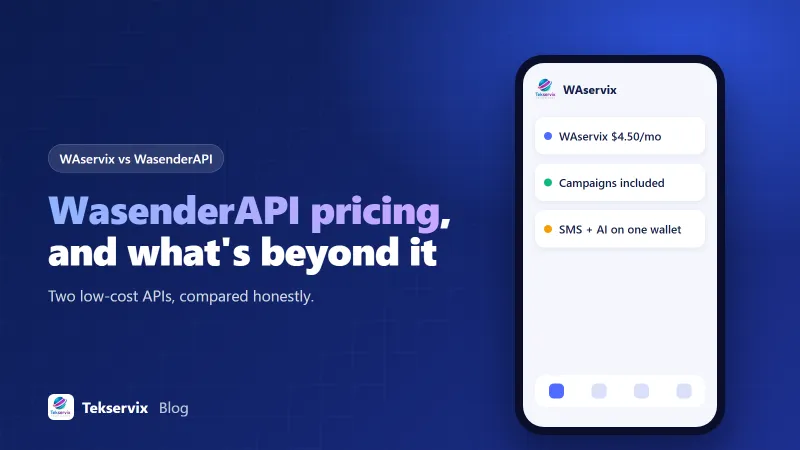
| 1 | $6 | $4.50 |
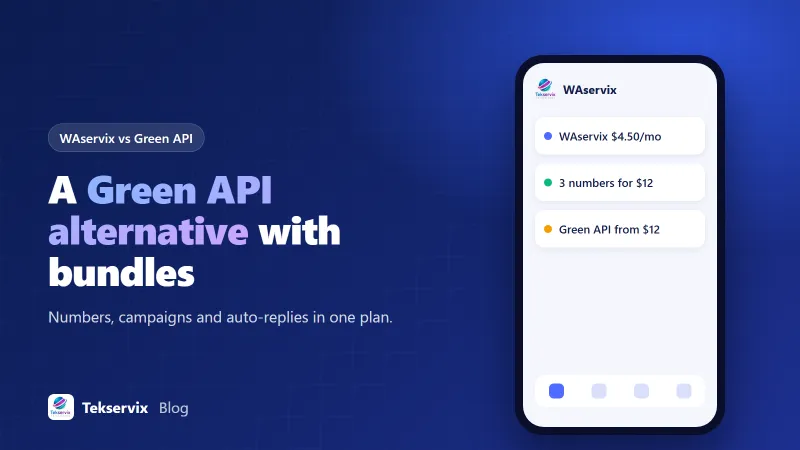
| 3 | $15 | $12 |
| 6 | $30 | $22 |
| 10 | $45 | $35 |
| 25 | Custom pricing | $79 |
Both include unlimited messages, and both offer a discount for yearly billing. WaSender's prices are on its homepage, and WAservix's on its product page, where you can also try any plan for three days for $1. Prices change, so check both before deciding.
API compatibility#
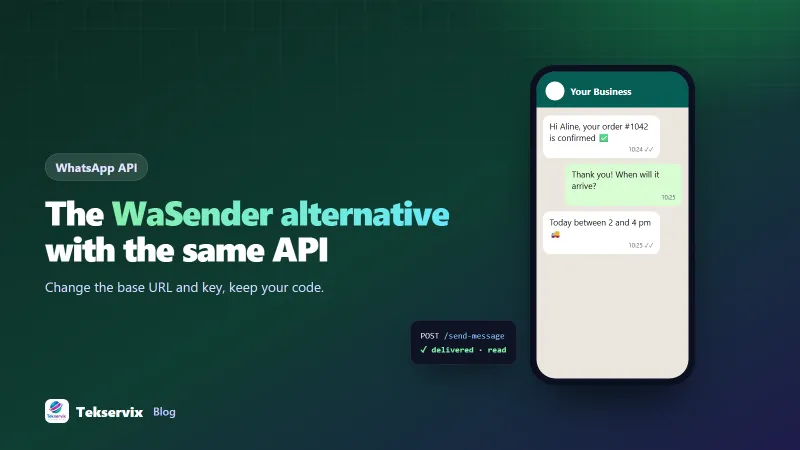
WAservix was built to accept WaSender-style requests, so most integrations only change two things:
- https://www.wasenderapi.com/api
+ https://tekservix.com/waservix/api

Authorization: Bearer wpk_your_waservix_device_key
According to the WAservix API documentation, these work the same way:
POST /send-messageand the send aliases, withto,text,imageUrl,videoUrl,documentUrl,audioUrl,stickerUrl,contact,location,poll,replyTo,mentionsandviewOnce.- The response shape:
msgId,jidandstatus: "in_progress". - Message info, edit, delete and resend; marking messages read; presence updates; media upload and decryption.
- Contacts,
/on-whatsapp, LID lookups and group endpoints. - Session management with a personal access token, including QR and phone pairing codes.
- Webhook event names and fields, including
X-Webhook-SignatureandcleanedSenderPn, withsessionIdas your device ID.
The one listed exception: passkey (WebAuthn) linking isn't available; link with a QR code or a pairing code instead.
What you'll set up again#
- Link your number in WAservix by scanning the QR code or using an 8-character pairing code.
- Copy the new device API key into your environment variables.
- Set your webhook URL and store the new webhook secret.
- Change the base URL in your code or configuration.
- Send test messages and trigger a test webhook before moving real traffic.
Unlink the number from the old service once you've switched, so two systems aren't sending from it at once.
Account protection#
WAservix turns account protection on by default for each device: random gaps between messages, a typing indicator, a warm-up for newly linked numbers, an hourly cap, no identical messages to the same person within ten minutes, and a check that new numbers are on WhatsApp. You can turn it off for opted-in traffic on an established number, but the defaults are designed to keep numbers safe. Our guide to WhatsApp number warm up explains why this matters.
Other differences to weigh#
- Payment: WAservix plans are paid from a Tekservix wallet you top up; WaSender takes card payments through its checkout. Choose what's easier for your business.
- Dashboard features: WAservix includes campaigns with personalisation and automatic STOP opt-outs, and keyword auto-replies, alongside the API.
- Ecosystem: WAservix sits alongside SMS Gora for SMS, so the same account can cover WhatsApp and SMS fallback.
- Track record: WaSender has been around longer and has more third-party tutorials. That's a fair reason to stay if everything works well for you.
Test before you move everything#
Switching providers is low risk if you do it in stages. Move one number first, ideally one with modest, predictable traffic such as order confirmations. Run it for a week and compare delivery statuses, webhook timing and any errors with the numbers still on the old service. Check that every message type you use, such as documents, images or replies, behaves as expected. Only then move the rest, one or two numbers at a time, and keep the old configuration handy for a few days in case you need to roll back.
When staying makes sense#
If your integration is stable, your costs are fine, and you rely on a feature WAservix doesn't offer, such as passkey linking, there's little reason to move. Switching is worthwhile when price matters at your number count, when you want campaigns and auto-replies alongside the API, or when you'd like WhatsApp and SMS from one provider.
A worked example#
Imagine a delivery company running six WhatsApp numbers on WaSender for order updates, paying $30 a month. It tries WAservix on one number with the $1 trial, changes the base URL and key in its configuration, and points the test number's webhook at its existing handler. Order updates and delivery receipts work without code changes. After a week it moves the other five numbers, at $22 a month for six. The code change was two lines; the main work was scanning six QR codes. For the code side, see our guides to the WhatsApp API with Node.js and WhatsApp webhooks.
Frequently asked questions
Is WAservix compatible with WaSender API?
Yes, for the common endpoints. WAservix accepts WaSender-style requests to /send-message and the send aliases, message info, edit and delete, contacts, groups, sessions and webhooks, so most integrations switch by changing the base URL and the API key.
How do WaSender and WAservix prices compare?
Checked on 30 September 2026: WaSender listed $6 a month for one number, $15 for three, $30 for six and $45 for ten. WAservix listed $4.50 for one, $12 for three, $22 for six and $35 for ten. Both include unlimited messages. Check both sites for current prices.
What doesn't carry over when switching?
You'll link your WhatsApp number again by scanning a QR code or using a pairing code, create new API keys, and set your webhook URL and secret in WAservix. Passkey linking isn't available in WAservix; use the QR code or a pairing code instead.

Tekservix Team
The team behind Tekservix
The Tekservix Team builds and supports Tekservix: WhatsApp and SMS APIs, AI tools, invoicing, PDF and SEO tools for growing businesses. We write practical, tested guides based on what we see our customers do every day.
More articles from the Tekservix Team